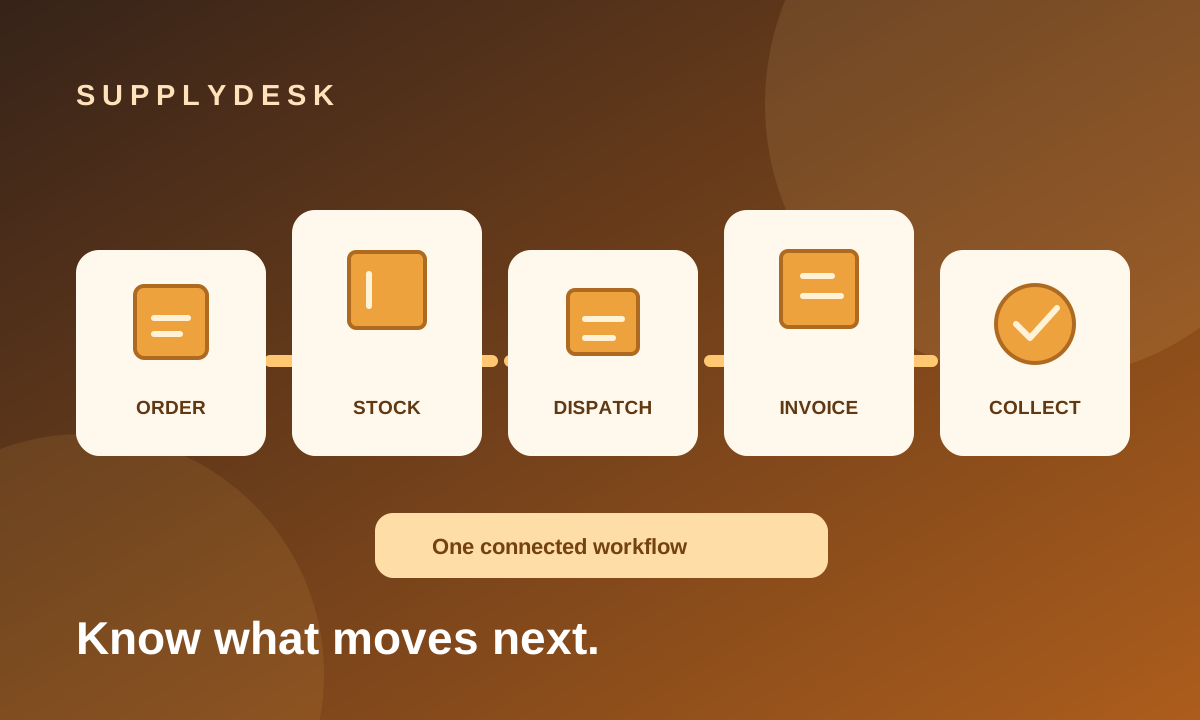
A customer orders 100 units. Your supplier delivers 60. The warehouse dispatches 40. Accounts invoices that movement, but the customer pays only part of the amount. Which number is "the order status"?
There is no single number. A trading business needs to follow several linked quantities and transactions: ordered, received, available, dispatched, invoiced and collected. When each lives in a separate workbook or message thread, a simple status question turns into detective work.
Keep the links between transactions
Start with purchase and sales orders that carry product lines, customer and supplier references, owners and expected dates. Link supplier procurement to the customer demand it is meant to fulfill. That way, a partial inward receipt tells the sales team which customer lines may now be ready.
Record receipts against the purchase order rather than adding stock with no explanation. A supplier return should point to the original receipt and reopen the quantity still due inward. For dispatch, check both physical stock and the quantity still allowed against the sales order. A customer return should point back to the original dispatch so stock and any related credit note can be handled coherently.
Separate "sent" from "paid"
An outward movement, invoice and payment are different events. Keep the invoice tied to the dispatch and preserve the company, customer, item, rate and tax details used when it was issued. Then track partial payments, due dates, outstanding balances and follow-up promises against that invoice.
A reminder can surface what needs attention: inward material overdue, a dispatch short of stock, an outward movement not yet billed or a missed collection promise. The reminder is useful because it points to the underlying transaction, not because it creates another isolated list.
Bring the existing workbook along
A familiar Supply Register can be a useful entry point. SupplyDesk imports and exports the six original workbook sheets and adds separate transaction-history sheets. An edited export can update matching orders and add new ones without replaying posted receipts, dispatches, invoices or payments.
Some rates and tax details are absent from the source workbook and must be entered separately before fully priced orders can be created. Checking the import preview before committing is therefore part of the workflow, not an optional extra.
Choose the right scope
SupplyDesk is currently a local, single-computer pilot for order, inventory, dispatch, invoicing and collection follow-up. Business records live in a local SQLite database, with company backups and automatic snapshots. Scheduled email reminders need SMTP settings, network access and the app running at the scheduled time.
It is not a full accounting system, complete GST filing tool or complete BUSY replacement. If your immediate problem is knowing what has arrived, what can be dispatched and what remains collectible, explore the SupplyDesk pilot and discuss that operational workflow first.