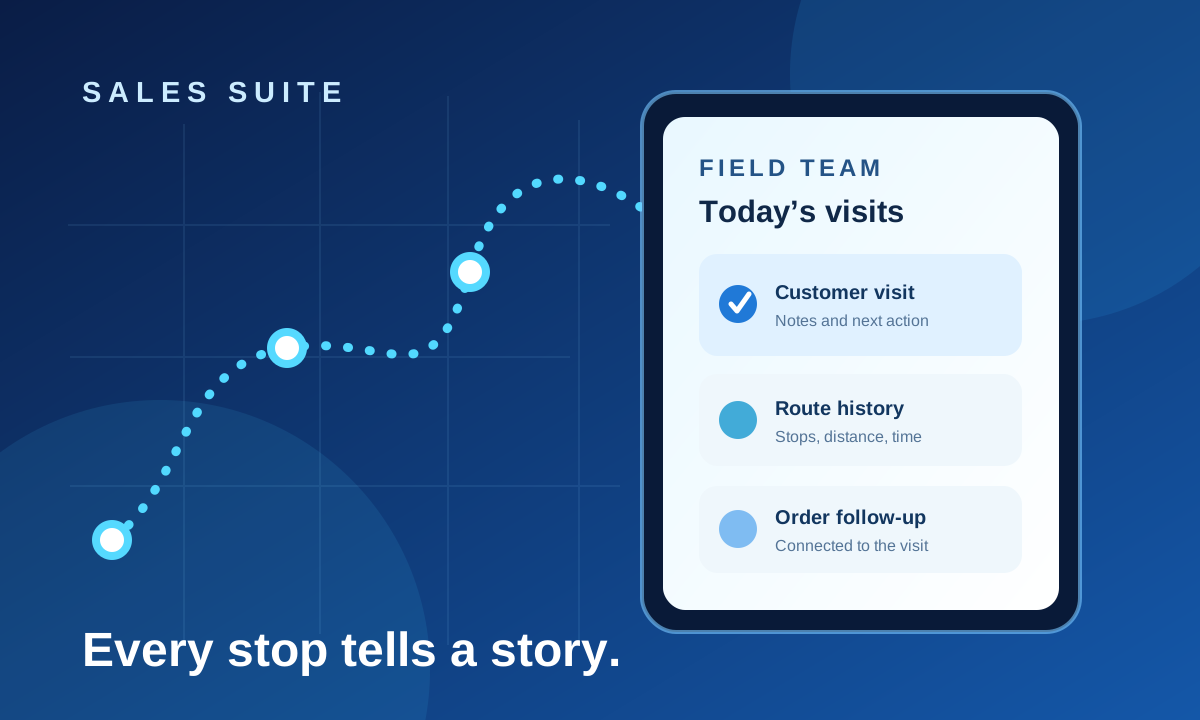
A salesperson visits six shops. At the end of the day, a manager sees six dots on a map. That sounds like visibility, but it leaves the important questions unanswered: Which shops were ready to order? Which visit needs a follow-up? Was the promised brochure shared? Did an order actually move forward?
Field sales tracking is useful when it connects movement with business context. A route alone is a travel record. A visit linked to a customer, notes, photos, a return date and an order becomes a working record for the whole team.
Start with the work at the stop
For a shop visit, the salesperson may need to confirm the shop, record the conversation and create an order. An industry or project visit can involve a different contact, longer sales cycle and several photographs. Treating every stop as an identical check-in loses that context.
A practical visit record answers four questions:
- Where and when? Capture the visit time and coordinates when the device can provide them.
- Who and why? Link the activity to the shop, industry or project and the relevant visit type.
- What happened? Record remarks, responses, photos and the next step.
- What changed? Connect an order, payment collection item or follow-up plan when relevant.
Use route history to understand the day
Distance and detected stops can help managers review how a day unfolded. They should sit beside visit and order records, so a manager can distinguish a busy route from a productive one. A date-based route view is also more useful than a single live pin when discussing delays, missed visits or territory planning.
Tracking still depends on the device reporting location and the salesperson enabling it. Set expectations with the team about how tracking is used and what a missing location means; it is not proof that no work happened.
Plan the next visit while the last one is fresh
The most valuable field note often concerns tomorrow: a promised callback, a project phase reminder or stock a shop asked about. Put those follow-ups into a visit plan instead of leaving them in a personal notebook. Managers can assign planned visits and review updates, while salespeople see upcoming work in the app.
When signal drops, the field workflow should account for it. Sales Suite can queue GPS points and save visits to existing shops, industries and projects with photos for later sync. Registering a brand-new shop and creating an order still require internet access. That distinction matters when planning work in low-connectivity areas.
What to ask before choosing a field sales tool
- Can a salesperson capture the visit details your business actually needs?
- Can managers see visit history alongside routes, orders and follow-ups?
- Are roles and team visibility clear for salespeople, managers and administrators?
- What exactly works offline, and what must wait for a connection?
The goal is a reliable handoff: the salesperson records the day once, and the manager can act on it without chasing another spreadsheet. Explore Sales Suite's field app and dashboard to see how these pieces fit together.