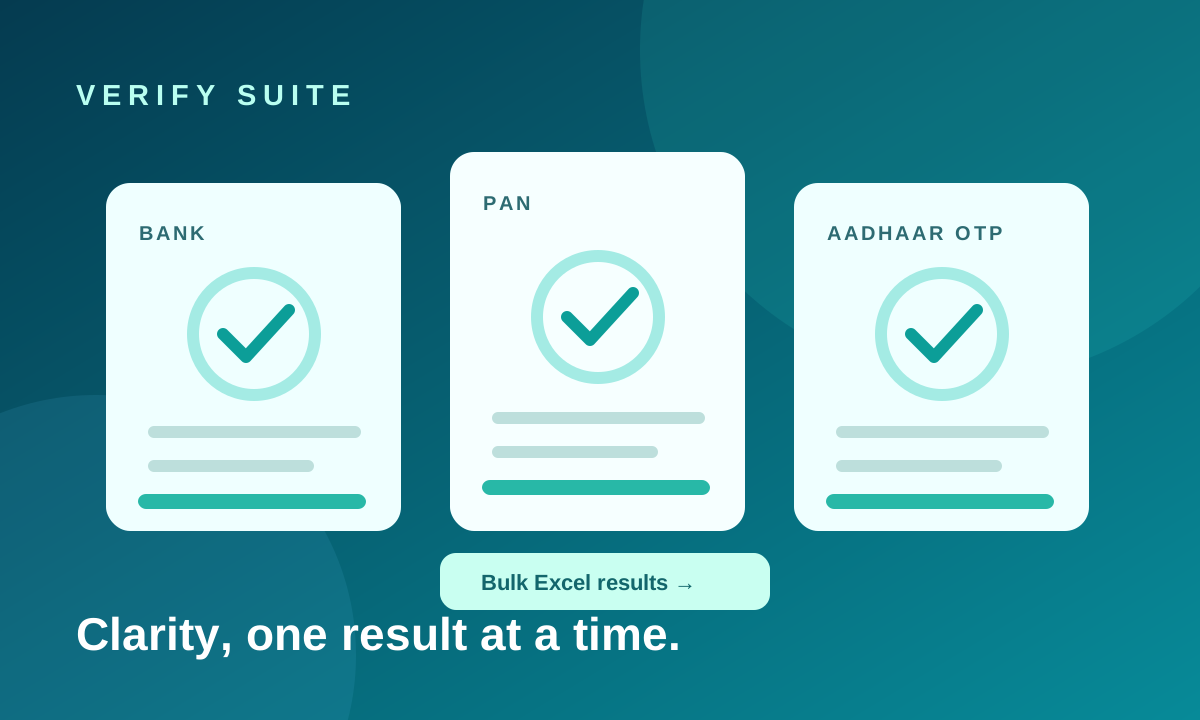
A spreadsheet arrives with beneficiary accounts. Another team asks for PAN checks. An Aadhaar verification requires consent and an OTP. These are three different questions, even when they sit under one heading called "verification."
The first step is to decide what you need to establish. A bank check can return an account outcome and beneficiary name from a provider. A PAN check can return a registered name and status. Aadhaar OTP verification confirms a consent-based flow through a mobile number linked to that Aadhaar. A successful response from one service should never be presented as proof of something it did not check.
Design the single-record flow first
For bank accounts, collect the account number and IFSC, validate the format and let the operator confirm the number before submission. Choose the appropriate method—Penniless or Penny Drop—according to your process and provider setup. Display the returned name, outcome and failure reason, not just a green or red badge.
For PAN, normalize the entry, check its format and show the registered name and status returned by the service. Additional fields such as Aadhaar seeding or provider update dates may not be present in every response.
For Aadhaar OTP, obtain explicit consent before requesting an OTP. Show a masked identifier in the result and avoid treating a failed or incomplete OTP flow as a verified identity.
Bulk work needs more than an upload button
Spreadsheets contain blank rows, odd headings and values formatted as numbers. A usable bulk process identifies likely columns, cleans common formatting artifacts and distinguishes invalid input, provider failure and successful verification. Preserve the original columns in the downloaded report so an operator can reconcile the output with the source file.
Verify Suite supports individual bank, PAN and Aadhaar OTP checks, plus bulk Excel processing for bank and PAN records. Bulk jobs show progress and separate verified, failed and invalid rows. Files are limited to 5 MB, and access to bulk Penny Drop can be controlled per client company.
Give every client a clear boundary
When several companies use one platform, each needs its own history, enabled services and usage allowances. Administrators also need to understand what was consumed, which verification method was used and how configured provider costs and client prices affect calculated margins.
That commercial view must be read accurately: revenue and profit figures are calculations based on configured rates and successful results. Provider availability and returned fields can vary, so the operational record should keep the outcome and failure information visible.
Questions to settle before going live
- Which checks does each client actually need?
- Who can upload bulk files, and who can use Penny Drop?
- What happens when a provider is unavailable or an allowance is exhausted?
- How long should result files be retained, and who may download them?
The best verification workflow is one that an operator can explain later. Explore Verify Suite's checks and administration tools for the full scope.